一、前言
公司实习生重构官网时使用了 nuxt3,但是在用 swiper 时却卡住了,找我帮忙看下,我原以为随便一搜,10 分钟内搞定,但是竟花了不少功夫,因为目前关于这类的文章要不太久,要不太乱,参考性不大,所以将最新解决方案记录下来。
二、目标
nuxt3 中使用最新版本的 swiper。
三、实现
1
2
3
4
5
6
7
8
9
10
11
12
13
14
15
16
17
18
19
20
21
22
23
24
25
26
27
28
29
30
31
32
33
34
35
36
37
38
39
40
41
42
43
44
45
46
47
48
49
50
51
52
53
54
55
56
57
58
59
60
61
62
63
64
65
66
67
68
| <template>
<swiper
:direction="'vertical'"
:pagination="{
clickable: true,
}"
:modules="modules"
>
<swiper-slide>Slide 1</swiper-slide>
<swiper-slide>Slide 2</swiper-slide>
<swiper-slide>Slide 3</swiper-slide>
<swiper-slide>Slide 4</swiper-slide>
<swiper-slide>Slide 5</swiper-slide>
<swiper-slide>Slide 6</swiper-slide>
</swiper>
</template>
<script>
import { Swiper, SwiperSlide } from 'swiper/vue';
import 'swiper/css';
import 'swiper/css/pagination';
import { Pagination } from 'swiper/modules';
export default {
components: {
Swiper,
SwiperSlide
},
setup() {
return {
modules: [Pagination]
};
}
};
</script>
<style>
#__nuxt {
height: 100%;
}
html,
body {
position: relative;
height: 100%;
}
body {
background: #eee;
font-family: Helvetica Neue, Helvetica, Arial, sans-serif;
font-size: 14px;
color: #000;
margin: 0;
padding: 0;
}
.swiper {
width: 100%;
height: 100%;
border: 1px solid red;
}
</style>
|
代码其实很简单,但有一点需要注意,那就是 .swiper 的宽高要给对。我一开始照着官方文档的例子写的时候,轮播是出来了,但是垂直轮播的效果没有,排查了才发现,例子里 .swiper 的宽高是百分比,它继承的是 #app 的宽高,但是我用的 nuxt3,里面没有 #app,只有 #__nuxt。
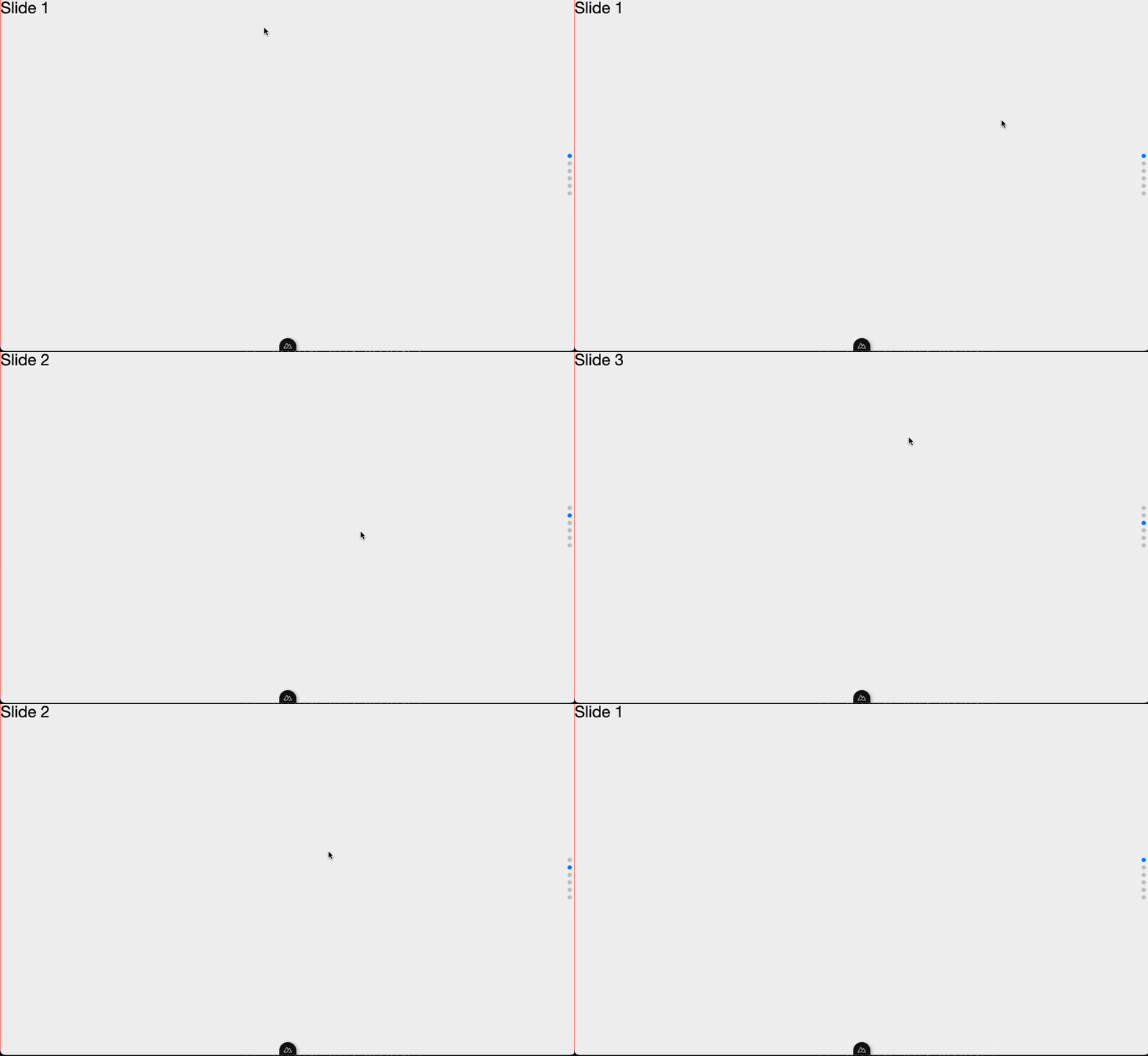
实现效果如下:
四、个人收获
解决问题,还是优先看官方文档。当然,如果文档晦涩难懂,或者过长不方便查找时,对症进行谷歌搜索也是可以的,灵活搭配。
五、源码
nuxt3-swiper
六、参考链接
- swiper